

 Integrations
GETPOS Integrations Built for Retail.
Connect payments, CRM, ERP, accounting & your online store to GETPOS, with third-party integrations that keep every store in sync.

 Payment GatewayIntegration
 CRM & ERPConnectivity
 APIIntegration
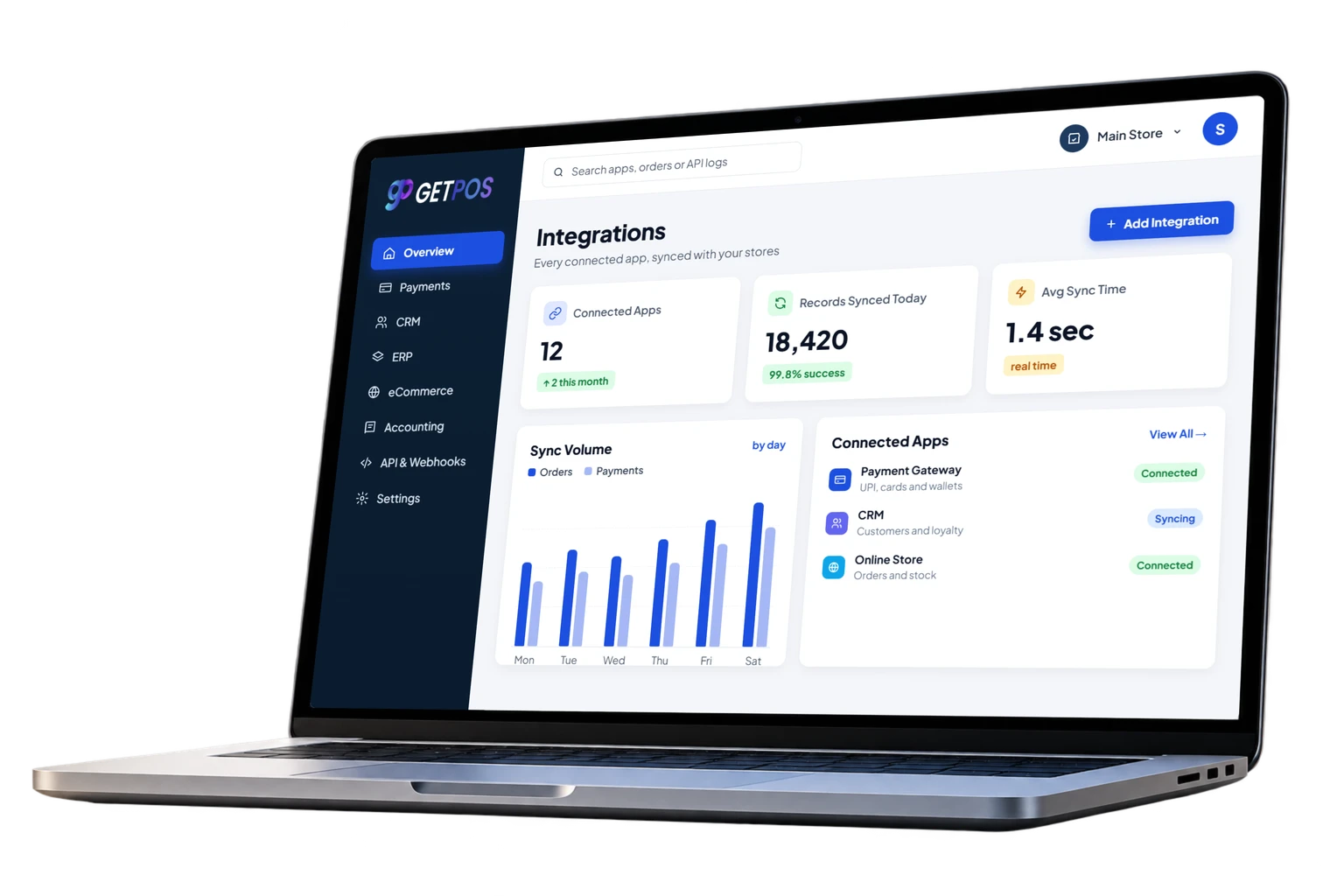







From App Chaos to Connected Retail.
Retail apps can run in silos with copy-paste between them, or connect through third-party integrations that share data with GETPOS automatically.
Without GETPOS

 Double Entry of sales inevery app
 Manual exportstake hours
 Mismatched data across apps
 Limited view of ordersand payments
With GETPOS



 Payments Settled inreal time
 Customers Synced toyour CRM
 Orders Online andin store
 Books Posted toaccounting
 Stock Shared with ERP

Product Look
See Integrations In Action.
Explore the POS integrations inside GETPOS: payments, CRM, ERP, eCommerce, accounting and API connections for your stores.
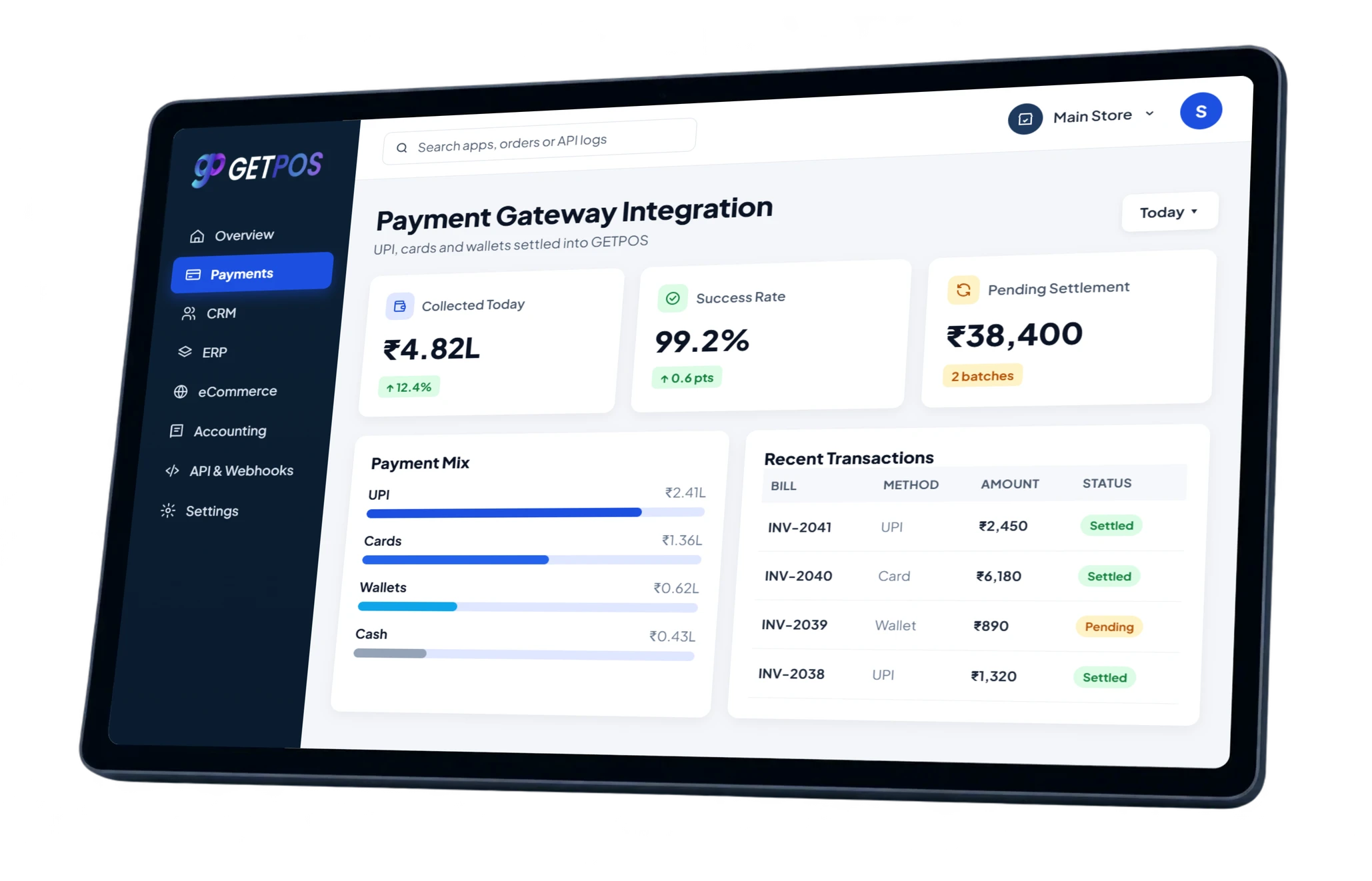

Payment, CRM, ERP and API Integration
GETPOS integrations connect the apps you already use, so sales, stock, customers and payments move between systems without manual work.
Payment GatewayIntegration
UPI, card and wallet payments settled into every bill.
CRMIntegration
Customer profiles and purchases kept in sync.
ERPIntegration
Stock, purchases and transfers shared with your ERP.
eCommerceIntegration
Online orders and stock synced with your stores.
AccountingIntegration
Sales, tax and payments posted to your books.
APIIntegration
Connect your own apps to GETPOS data through API access.



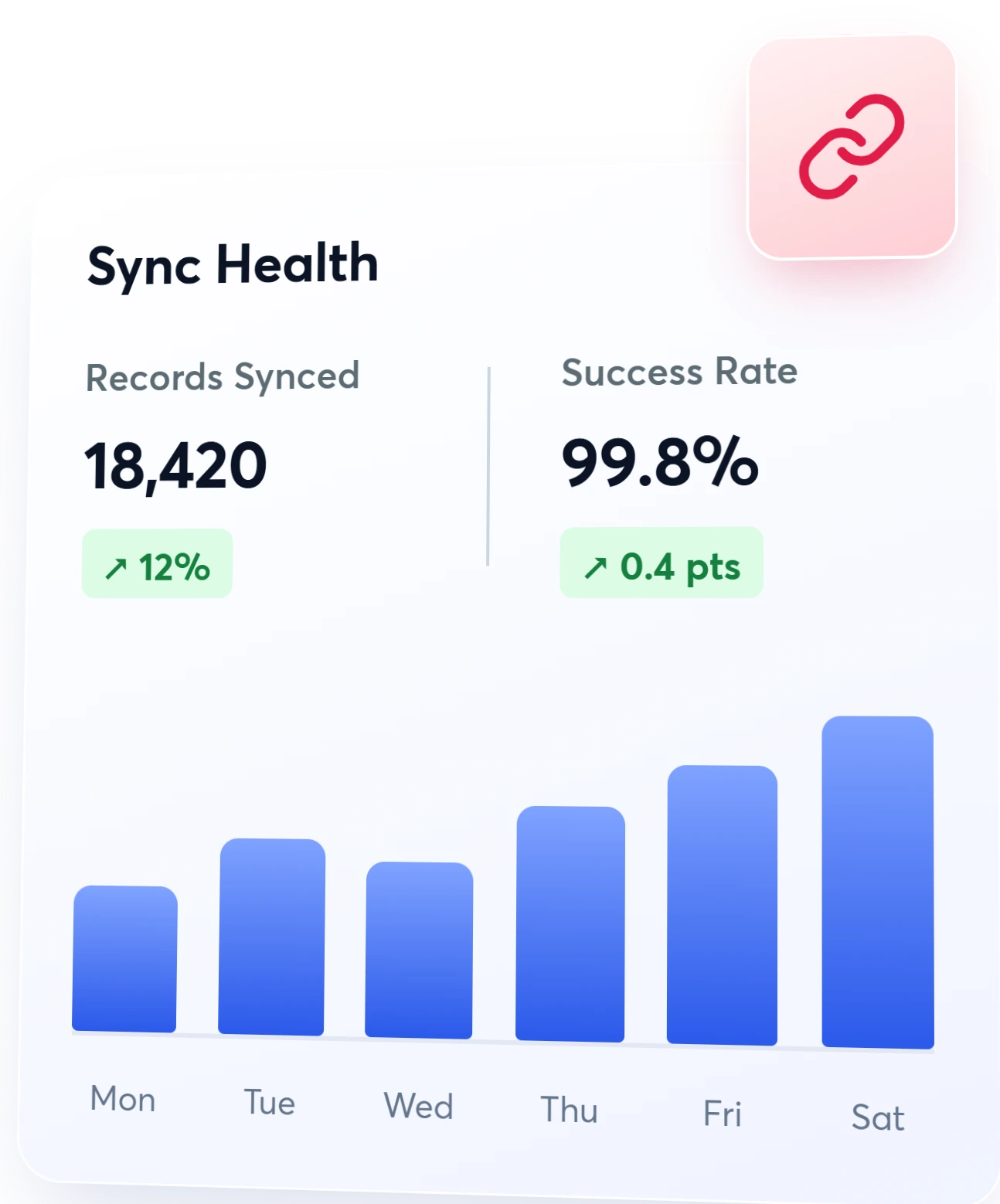
From Connection to Real-Time Sync
Connect an app once and GETPOS keeps it in sync, so every bill, payment and stock change reaches the right system without re-entry.
- 01
Choose Your Apps
Pick payment, CRM, ERP and online store integrations.
- 02
Connect Securely
Authorise each app once and map your fields in minutes.
- 03
Sync in Real Time
Bills, payments and stock update across every app.
- 04
Track Every Sync
See sync health, errors and volumes from one dashboard.






Integrations That Work. One Connected Business.
GETPOS third-party integrations link payments, customers, stock and books, so your whole team works from one set of numbers.
No DoubleEntry
Data moves between your apps on its own,so nothing is typed twice.
FasterCheckout
Payment gateway integration settlesUPI and card payments on every bill.
AccurateBooks
Accounting integration posts salesand tax without manual exports.
SellEverywhere
eCommerce integration keeps onlineand in-store stock in step.



Designed for Every Retail Business.
Whether you run a single store or a growing retail chain, GETPOS integrations connect the tools you already use to every counter.

Apparel & Fashion
Sizes, colours and seasonal collections managed across every outlet.
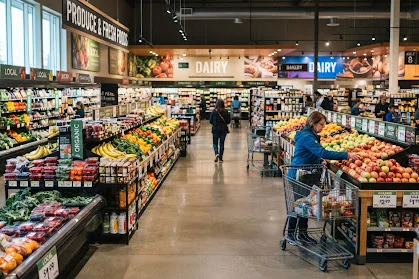
Grocery & Supermarkets
Fast billing, fresh stock and supplier orders for high-volume stores.

Footwear
Track sizes and styles across stores and warehouse stock.
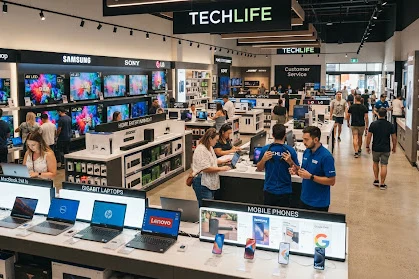
Electronics
Serial numbers, warranties and fast-moving inventory in one system.

Music Store
Instruments, accessories, rentals and repairs from one counter.
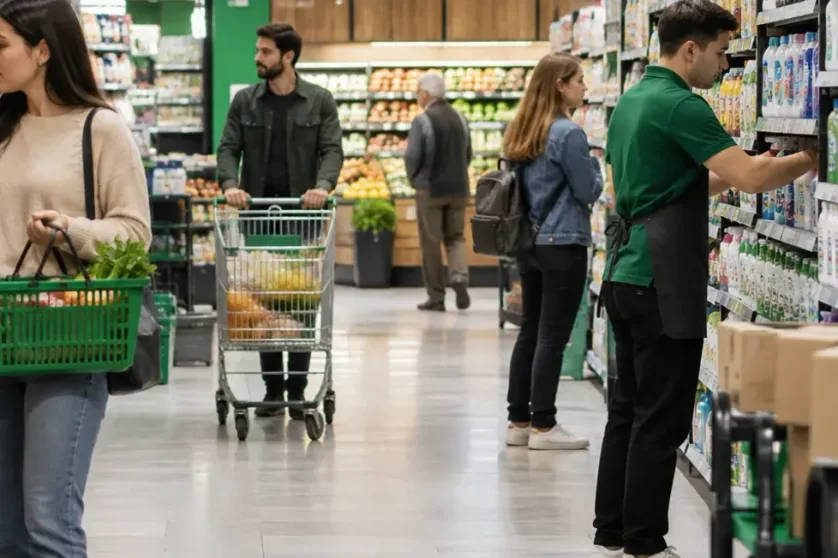
Consumer Goods
Everyday essentials with batch tracking and quick reorders.

Home & Lifestyle
Décor, furniture and gifts with variants and delivery orders.

Beauty & Wellness
Cosmetics and personal care with expiry and shade tracking.

Pharmacy
Batches, expiry dates and prescriptions handled at billing.
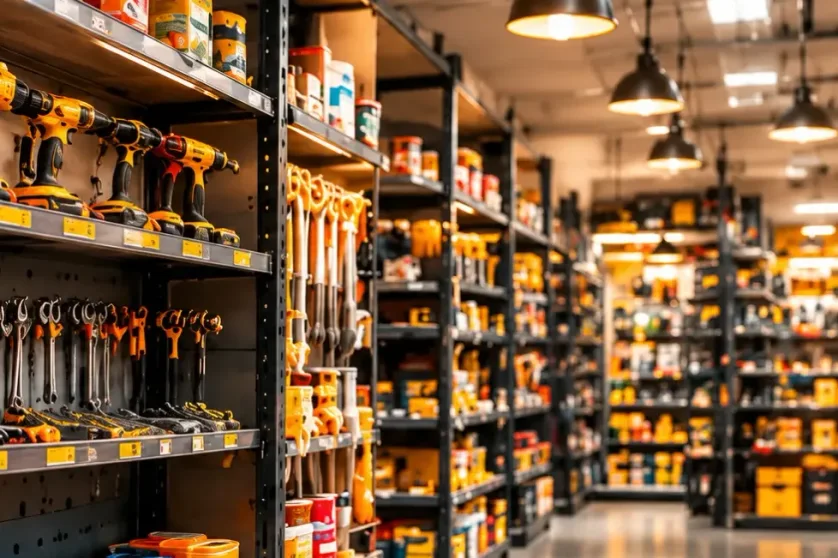
Hardware Store
Thousands of SKUs, loose units and contractor accounts.

Liquor Store
Excise-ready billing, age checks and brand-wise stock.

Agriculture Store
Seeds, fertilisers and tools with season-wise demand.

Franchise Chains
Central control of pricing, stock and reports across outlets.

Salon Shop
Appointments, services and product sales in one place.

Food & Beverage
Cafés, QSRs and F&B chains with quick, accurate orders.

Bakery Shop
Fresh batches, custom cakes and pre-orders made simple.
Fast Food
Quick-service counters with fast billing and combos.

Ice Cream Parlour
Scoops, toppings and take-home packs billed in seconds.

Restaurant
Dine-in, takeaway and delivery with kitchen tickets.

Food Truck
Mobile, offline-ready billing for street food on the move.
Recent Blogs
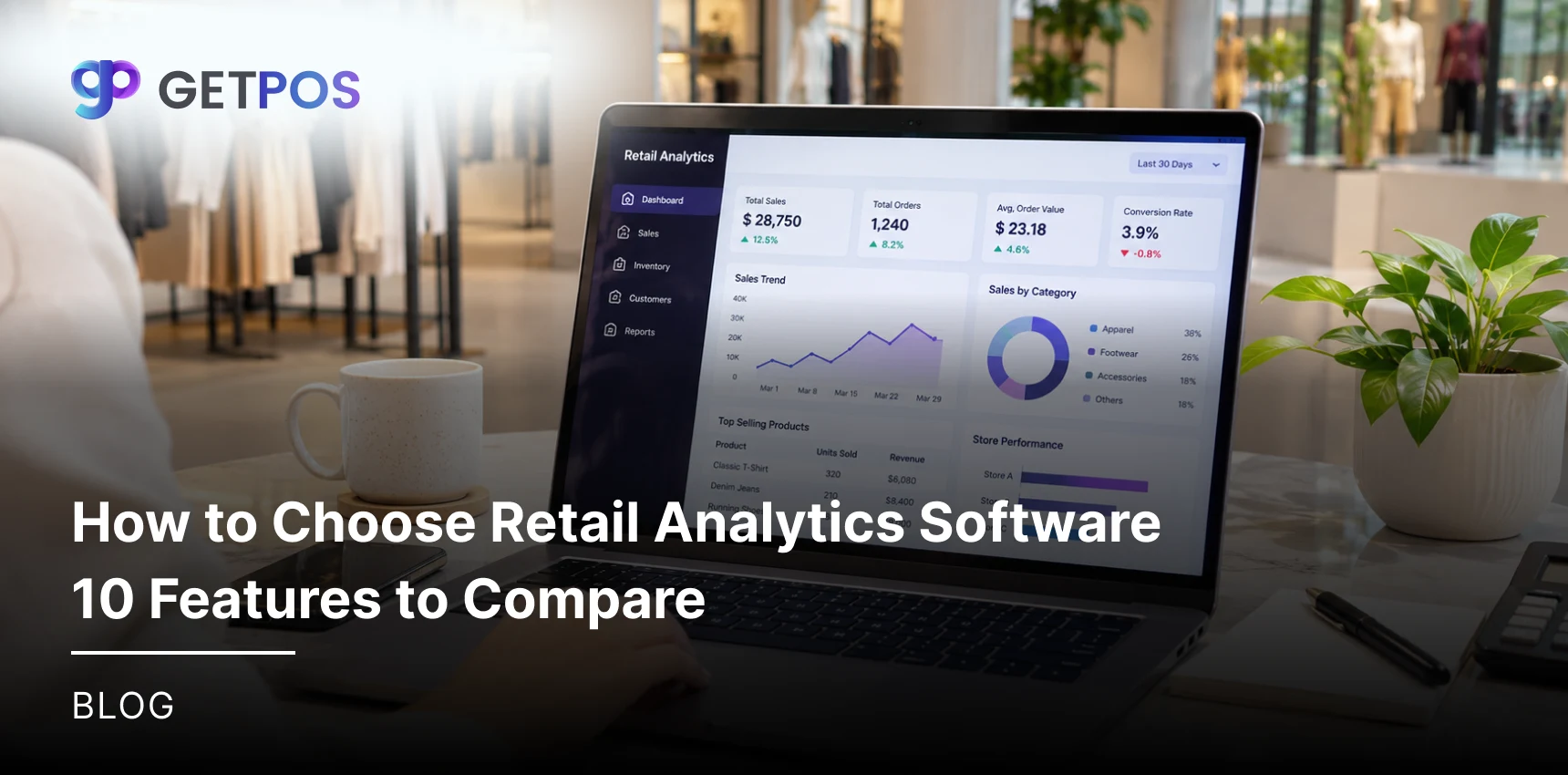
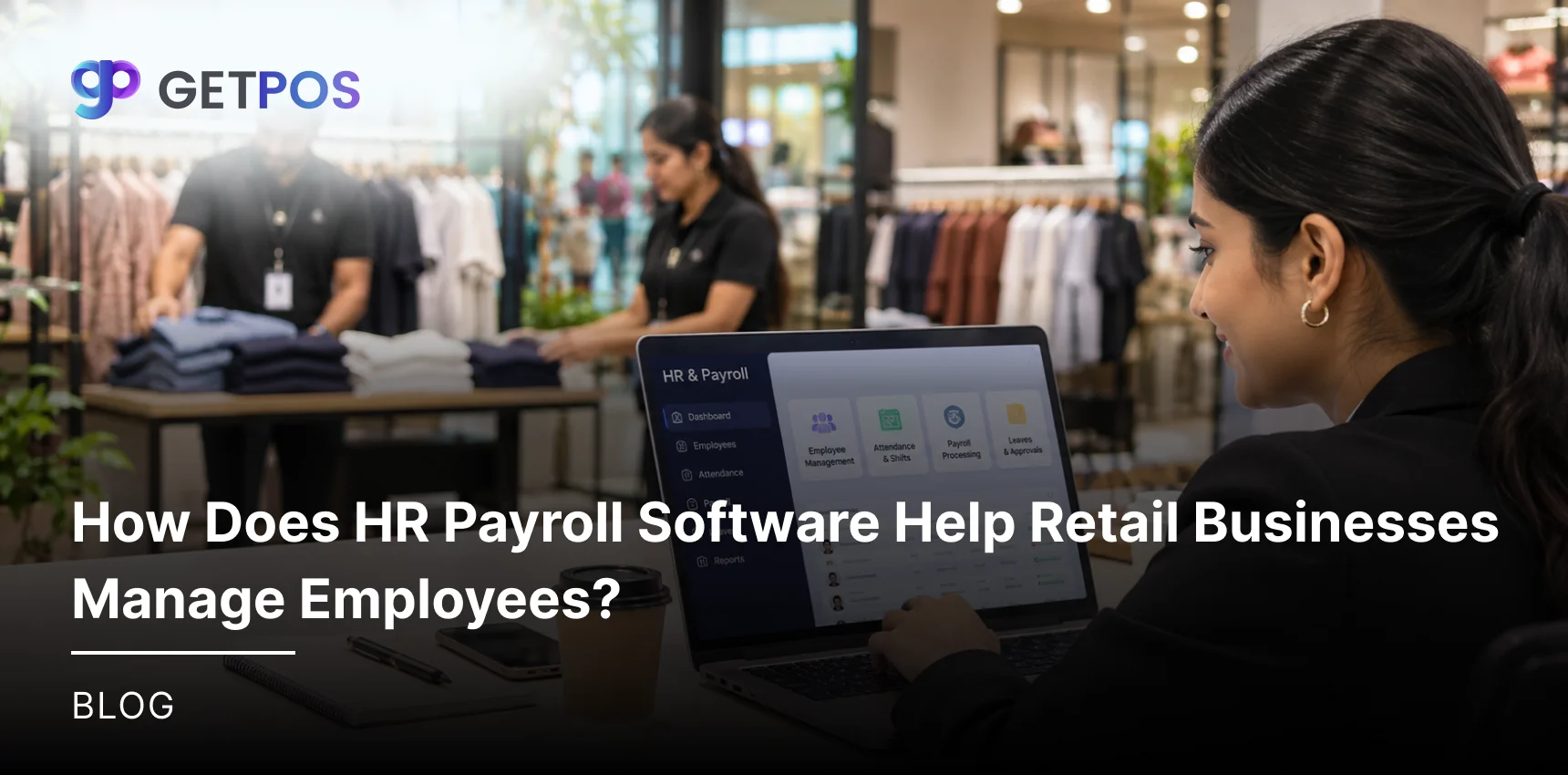
Our blog section is packed with informative, thought-provoking, and engaging content that is sure to appeal to a wide range of readers.
Frequently Asked Questions
GETPOS offers integration capabilities designed to connect retail operations with compatible business applications. Integration categories may include payment gateways, eCommerce platforms, ERP systems, CRM software, and accounting applications. Available connections depend on technical compatibility and business requirements. Retailers can contact the GETPOS team to confirm supported third-party integrations and suitable options for their operations.
GETPOS may integrate with existing retail software through supported third-party integrations or available connection methods. Compatibility depends on the application, API availability, data formats, and technical requirements. The GETPOS team can review your current software setup and determine suitable integration options to help connect retail workflows and reduce repetitive data entry.
GETPOS documentation references API-related functionality, including API keys and access tokens. API integration can help compatible applications exchange information with retail software. However, the availability of specific APIs, supported endpoints, authentication methods, and custom integration options depends on technical requirements. Businesses should contact the GETPOS team to confirm available API integration capabilities.
GETPOS supports digital payment workflows, including payment methods commonly used by retail businesses. Payment gateway integration options depend on the provider, payment method, and supported connection. Compatible integrations can help connect payment processing with POS billing and transaction records. Retailers should confirm the latest supported payment gateways and configuration requirements with the GETPOS team.
GETPOS supports omnichannel retail operations, with eCommerce integration options depending on platform compatibility. Supported connections can help retailers coordinate online orders, product information, and inventory between physical stores and digital sales channels. Businesses should verify which eCommerce platforms and marketplaces are supported, along with available order synchronization and inventory update capabilities.

Retailers !
Don’t Just Sell, Sell Smarter With GETPOS!
A 100% Guaranteed Business Growth Solution!
 Share Your Requirements Our team will get in touch with you shortly.
 Explore GETPOS Completely Simplify retail, inventory, accounting and store operations

Get Started
Explore GETPOS & elevate your business today.
Hey, we got you!
Thank you for sharing your information with us. We will get back to you.