

 Security & Compliance
Security and Compliance Built for Retail.
Protect sales, customer and business data with POS security, role-based access and data protection controls that support security compliance.

 Retail DataSecurity
 Role-BasedAccess Control
 Customer DataProtection







From Open Risks to Protected Retail.
Stores can run on shared logins and unchecked access, or on a security compliance setup where every user, action and record is protected.
Without GETPOS

 Shared Logins one passwordfor all staff
 No Audit trail ofactions
 Exposed customer data
 Unchecked voids, refundsand discounts
With GETPOS



 Secure Login forevery user
 Roles Access bypermission
 Audit Every actionlogged
 Data Protectedand backed up
 Alerts On risky actions

Product Look
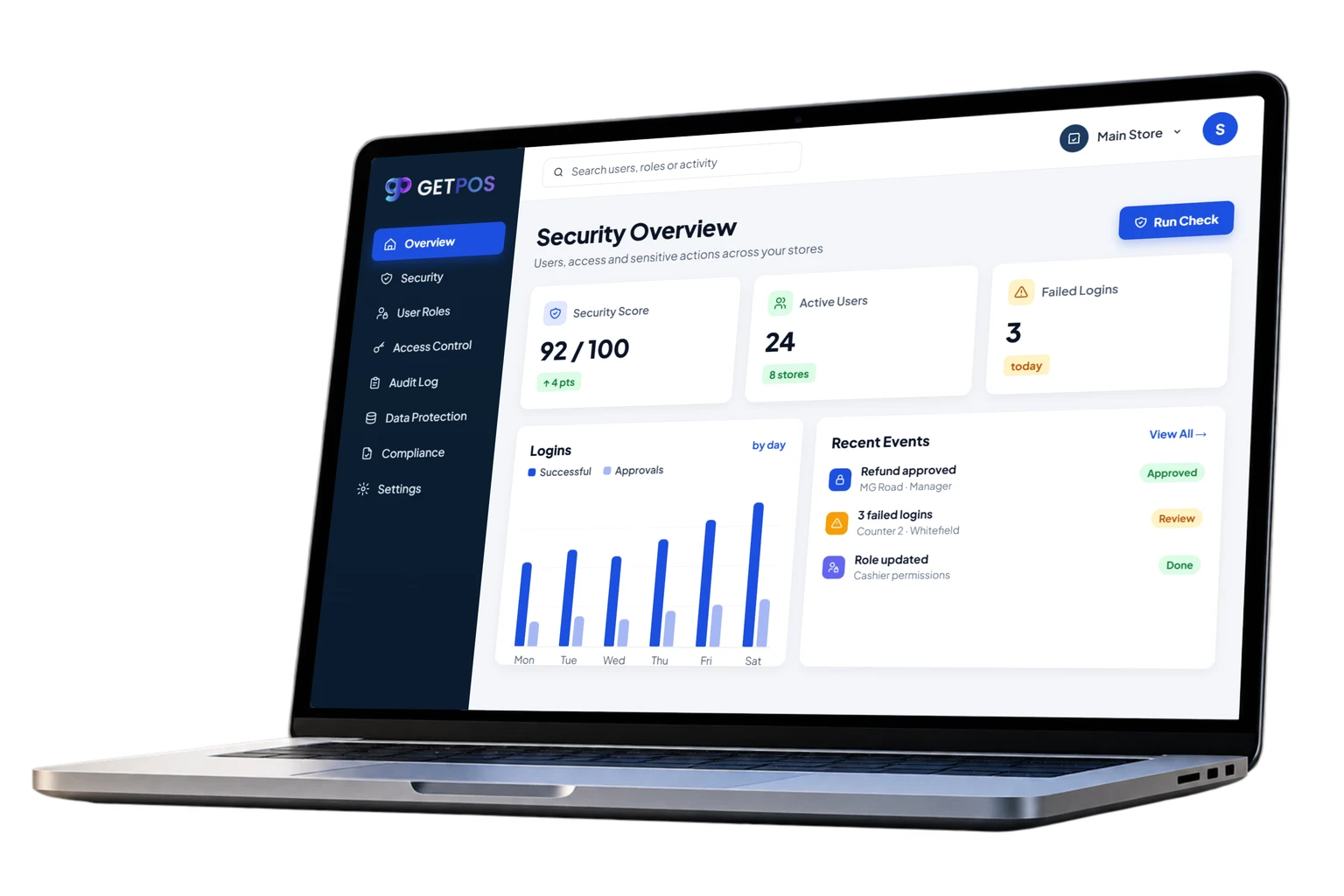
See Security In Action.
Explore POS security inside GETPOS: user roles, access control, audit logs, data protection and compliance reports.
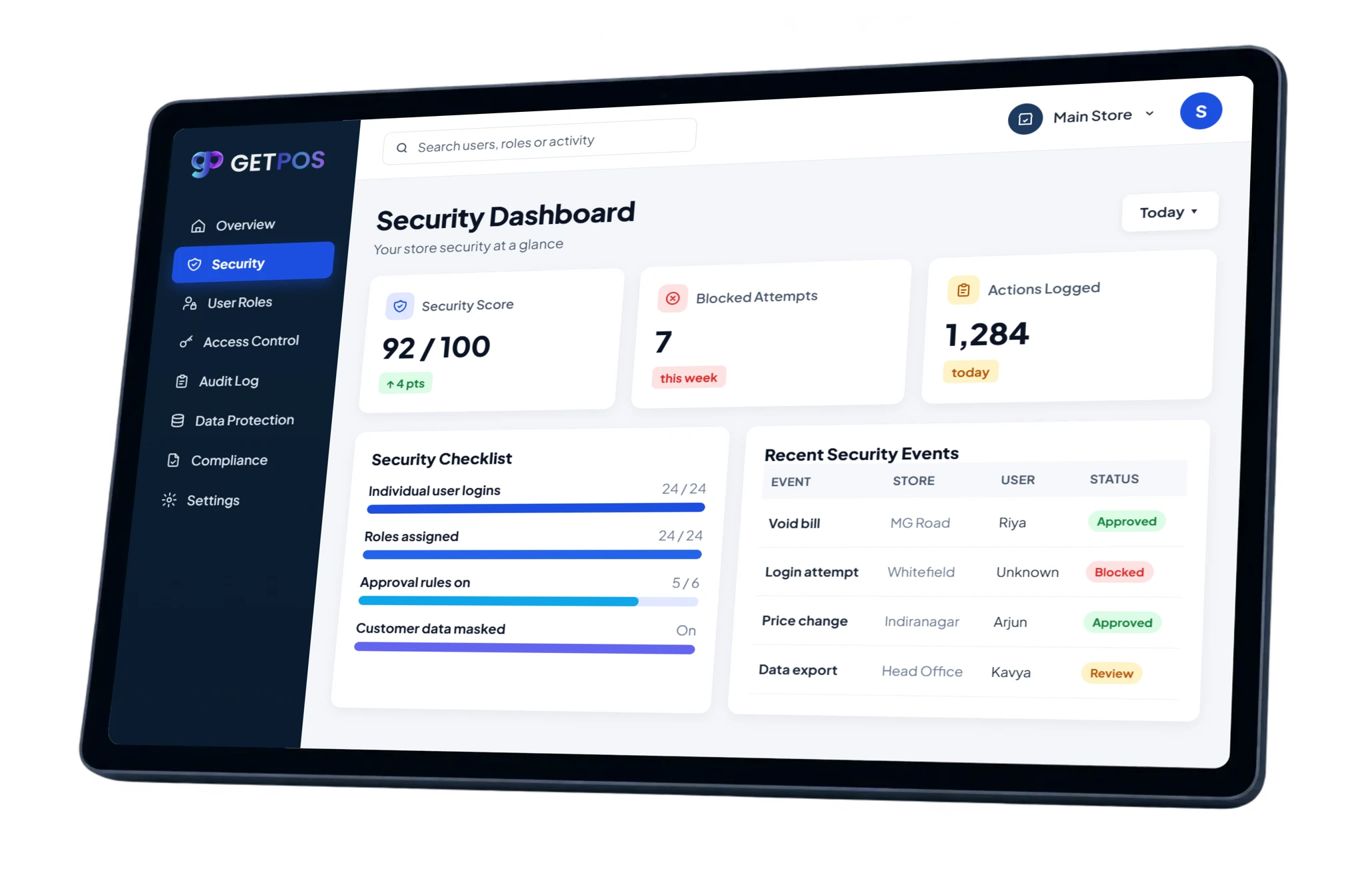

Data Security and Data Protection
GETPOS data security controls who can see and change sales, stock and customer records, so your business data stays protected in every store.
POSSecurity
Secure logins and PINs for every billing counter.
Role-BasedAccess Control
Each user gets only the permissions their role needs.
AuditLogs
Voids, refunds and price changes recorded by user.
Customer DataProtection
Limit who can view and export customer details.
ApprovalControls
Manager approval for refunds, voids and discounts.
ComplianceReports
GST invoices and tax reports kept ready for audits.



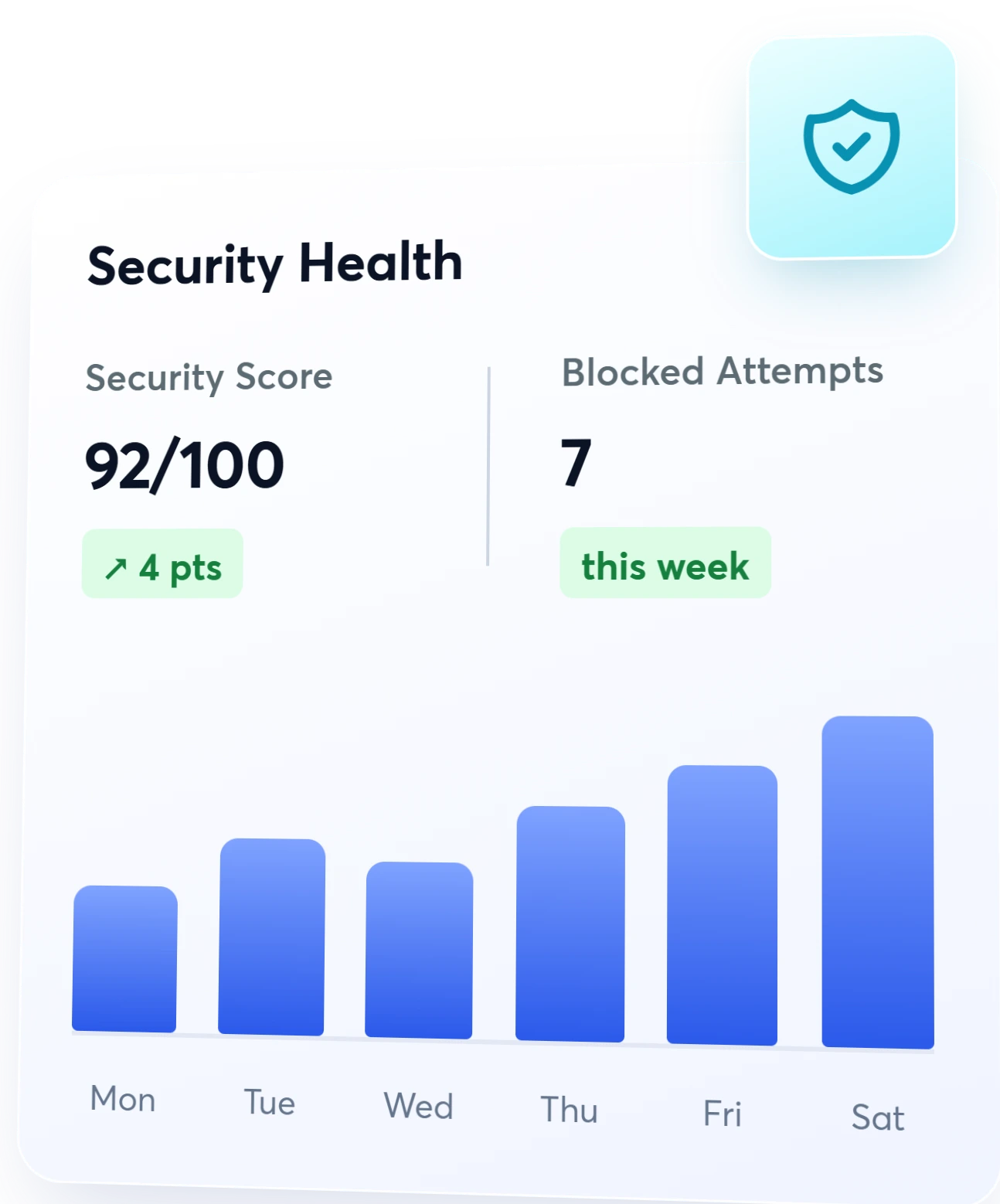
Role-Based Access Control, Step by Step
Set roles once and GETPOS applies them at every counter, so each user can only do what their job needs and every sensitive action is recorded.
- 01
Create User Roles
Define roles like cashier, manager and owner.
- 02
Set Permissions
Choose what each role can view, edit and approve.
- 03
Log Every Action
Voids, refunds and price changes are recorded.
- 04
Review Security
Track logins, alerts and risky actions in one place.






Security That Works. One Protected Business.
GETPOS security compliance controls protect your sales, stock and customer data, so your team can sell with confidence in every store.
LessShrinkage
Approvals and audit logs stopunchecked voids and refunds.
CustomerTrust
Data protection keeps customerdetails out of the wrong hands.
AuditReady
Compliance reports and logsare ready when you need them.
OwnerControl
Role-based access decides whocan do what, in every store.



Designed for Every Retail Business.
Whether you run a single store or a growing retail chain, GETPOS security and compliance tools protect every counter and every record.

Apparel & Fashion
Sizes, colours and seasonal collections managed across every outlet.
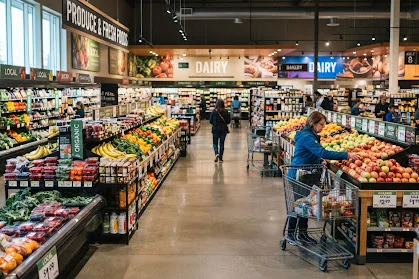
Grocery & Supermarkets
Fast billing, fresh stock and supplier orders for high-volume stores.

Footwear
Track sizes and styles across stores and warehouse stock.
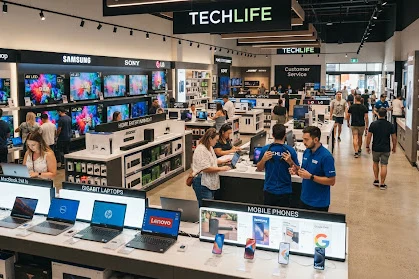
Electronics
Serial numbers, warranties and fast-moving inventory in one system.

Music Store
Instruments, accessories, rentals and repairs from one counter.

Consumer Goods
Everyday essentials with batch tracking and quick reorders.

Home & Lifestyle
Décor, furniture and gifts with variants and delivery orders.

Beauty & Wellness
Cosmetics and personal care with expiry and shade tracking.

Pharmacy
Batches, expiry dates and prescriptions handled at billing.
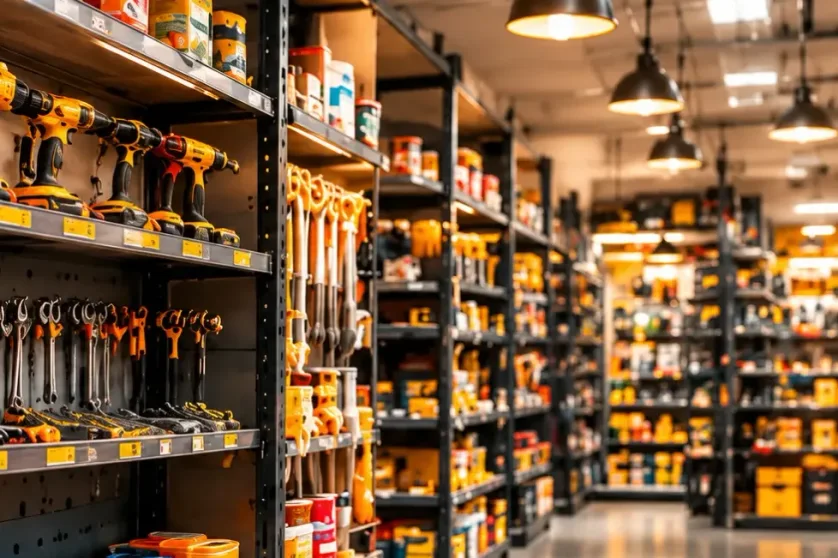
Hardware Store
Thousands of SKUs, loose units and contractor accounts.

Liquor Store
Excise-ready billing, age checks and brand-wise stock.

Agriculture Store
Seeds, fertilisers and tools with season-wise demand.

Franchise Chains
Central control of pricing, stock and reports across outlets.

Salon Shop
Appointments, services and product sales in one place.

Food & Beverage
Cafés, QSRs and F&B chains with quick, accurate orders.

Bakery Shop
Fresh batches, custom cakes and pre-orders made simple.

Fast Food
Quick-service counters with fast billing and combos.

Ice Cream Parlour
Scoops, toppings and take-home packs billed in seconds.

Restaurant
Dine-in, takeaway and delivery with kitchen tickets.

Food Truck
Mobile, offline-ready billing for street food on the move.
Recent Blogs
Our blog section is packed with informative, thought-provoking, and engaging content that is sure to appeal to a wide range of readers.
Frequently Asked Questions
GETPOS provides security and compliance features designed to protect retail business operations and sensitive information. These include role-based access control, audit logs, approval controls, customer data protection, and compliance reporting. These capabilities help retailers manage user permissions, monitor activities, reduce unauthorized access risks, and maintain greater control over business data.
GETPOS supports retail data security through access restrictions, user permissions, and activity tracking. These controls help businesses manage who can access sensitive information and perform specific actions. By monitoring system activities and limiting unnecessary access, retailers can reduce data security risks and maintain better control over sales, inventory, and operational records.
Role-based access control in GETPOS allows businesses to assign permissions according to employee responsibilities. Administrators can create user roles, define access levels, and restrict specific actions based on job requirements. This helps ensure employees access only the information and functions relevant to their roles, improving accountability and reducing unauthorized system activity.
Yes, GETPOS uses role-based permissions to help retailers restrict employee access to sensitive operations. Businesses can define access rights for different users and responsibilities. This helps prevent unauthorized changes, limits unnecessary access to confidential information, and gives managers greater control over who can perform specific actions within the retail system.
GETPOS includes audit logging capabilities designed to help businesses track user activities and system actions. Audit logs can support accountability by providing records of relevant activities and changes. Retailers can use available audit information to review operational events, investigate discrepancies, and support internal security checks and compliance reviews.

Retailers !
Don’t Just Sell, Sell Smarter With GETPOS!
A 100% Guaranteed Business Growth Solution!
 Share Your Requirements Our team will get in touch with you shortly.
 Explore GETPOS Completely Simplify retail, inventory, accounting and store operations

Get Started
Explore GETPOS & elevate your business today.
Hey, we got you!
Thank you for sharing your information with us. We will get back to you.